
By default, DubBot sends scan results on a daily basis by email.
Follow these instructions to change the frequency of your email notifications.
- Log in to DubBot
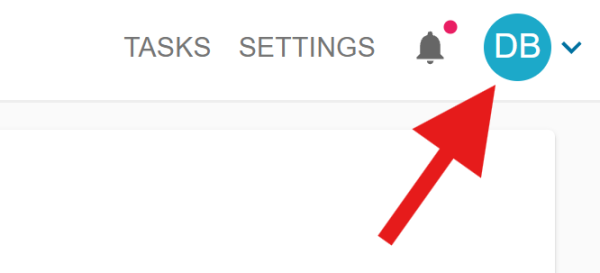
Activate your avatar or initials in the upper right which opens a context menu.
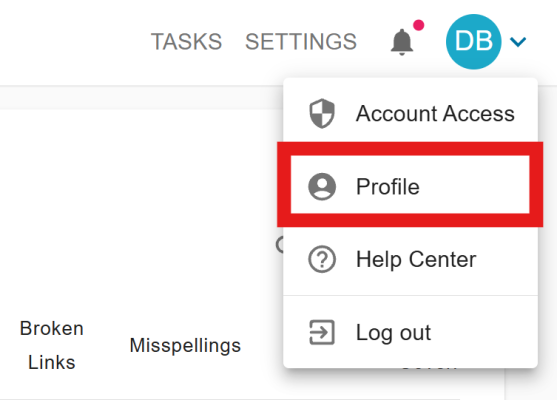
Select Profile from the context menu.
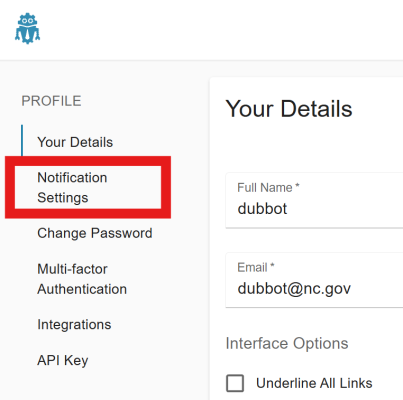
In the navigation panel on the left, select Notification Settings
On the "CRAWL FINISHED EMAILS" tab, choose the Deliverability frequency.
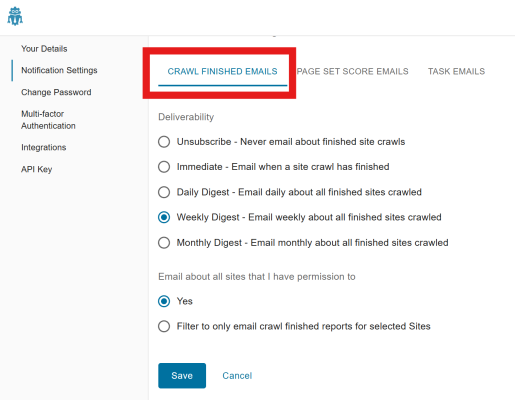
- Press the Save button