
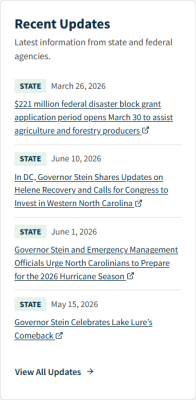
How to add a Disaster Update
-
1
Understand Taxonomy for Disaster Updates
Properly tagging content with the correct taxonomy is vital for routing constituents to your services. Taxonomy terms connect portal visitors to content in two ways:
- Taxonomy terms let visitors without a portal account account filter for the content they want to find.
- Visitors who have a portal account can receive notifications about your services based on their needs.
Vocabulary Names Associated with this Content Type
To add new taxonomy terms, navigate to Admin > Structure > Taxonomy, then list the terms for the desired Vocabulary:
- Disaster Event
- North Carolina Counties
- Resource Agency
- Unmet Needs
-
2
Complete Form Fields
Disaster Update Content Type
This page seems incomplete.
Complete Form Fieldsis present, but no fields or instructions follow it. It should document:How to create a Disaster Update.
Every required field and its purpose.
Applicable taxonomy fields.
Publishing/workflow states.
Any rules that determine where and how the update appears.
This page was last modified on 07/14/2026